Data Center Rack Placement
Proper rack placement in a data center ensures efficient cooling, power distribution, accessibility, and scalability while minimizing downtime and maintenance challenges.
Plan Your Rack Layout
Start by auditing your IT load, rack density, and cooling capacity. Identify the equipment to be installed, including servers, switches, patch panels, UPS units, and auxiliary devices, and determine which devices require frequent access. Draw a rack diagram showing the placement of heavy equipment at the bottom, lighter devices above, and space for future expansion . Leave room for vertical and horizontal cable management and consider the weight capacity of each rack .
Optimize Airflow and Cooling
Implement hot and cold aisle containment to prevent mixing of supply and exhaust air. Cold aisles should face the front of racks, and hot aisles should handle exhaust air. Maintain adequate aisle spacing, typically at least 0.9–1.2 meters, to allow airflow and technician access . Use blanking panels to prevent recirculation and ensure that high-heat equipment is positioned where airflow is unobstructed .
Power Distribution and Management
Place PDUs strategically within racks to minimize cord lengths and reduce tripping hazards. Distribute power across multiple circuits to avoid overloading any single line. UPS systems should be installed at the bottom of racks to maintain stability and provide backup power during outages . Consider PDUs with remote monitoring and switching for better energy management.
Cable Management and Labeling
Organize cables using vertical and horizontal organizers, keeping power and network cables separated. Label every device and cable with clear, durable identifiers, including device name, IP address, and connection details. This reduces troubleshooting time and prevents clutter . Maintain documentation of rack layouts and cable paths for future reference.
Accessibility and Maintenance
Ensure sufficient clearance behind racks (≥1 meter) for service and maintenance . Place frequently accessed devices at eye or waist level for convenience. Regularly inspect racks for loose connections, damaged cables, or airflow obstructions, and update documentation after any changes .
Scalability and Future-Proofing
Leave empty rack units for future expansion and modular upgrades. Consider phased deployment and modular pod designs to allow easier scaling without major disruptions . Plan for weight distribution across the data center floor and use spreader plates under heavy racks if necessary. By following these tips, you can create a well-organized, efficient, and scalable data center rack layout that optimizes cooling, power, and maintenance while reducing operational risks .
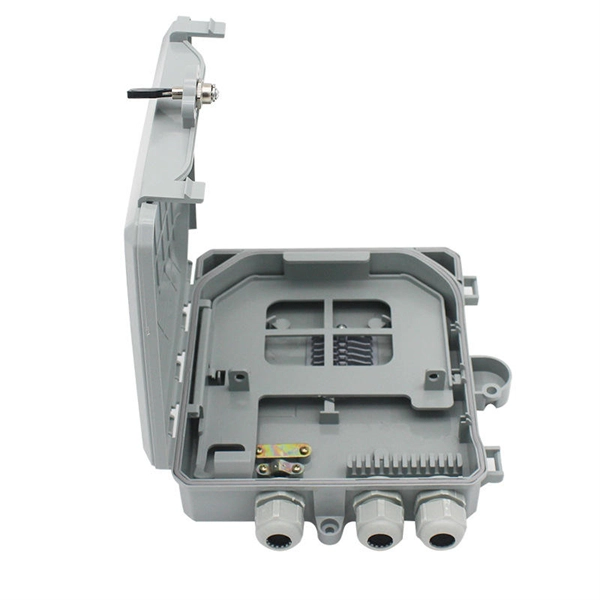 Factory
 Best Practices for Rack-Mounted Equipment in Data Center Design
In data center design, the impact of application-specific machinery on power and data storage is significant. Here is
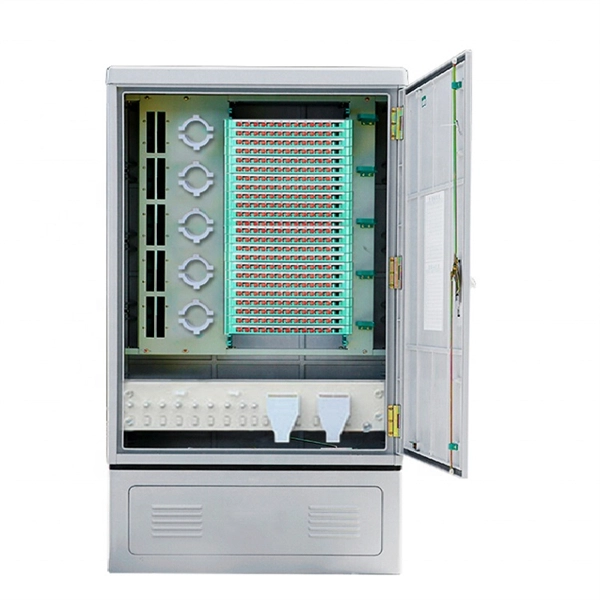 Factory
 Comprehensive Guide to Installing Components in a
Proper installation of components in a data center server rack is crucial for optimal performance, efficient
 Factory
 Data Center Server Rack: The Ultimate Guide
How to size, lay out, and cool data center server racks the right way. A practical guide to rack units, power density,
 Factory
 The Crucial Role of Rack Positioning in Data Centers
The placement of racks directly affects the airflow dynamics within a data center. Understanding hot aisle/cold aisle configurations,
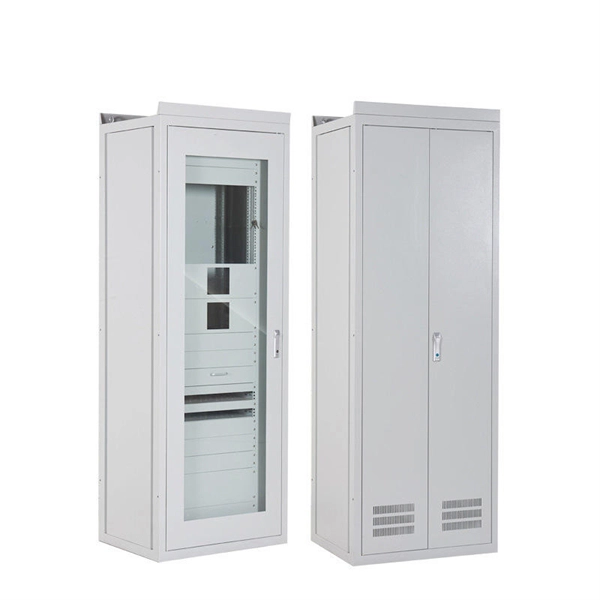 Factory
 The Ultimate Guide to Data Center Racks Features
Data Center Racks are enclosures which are designed to accommodate servers, networking devices, patch panels
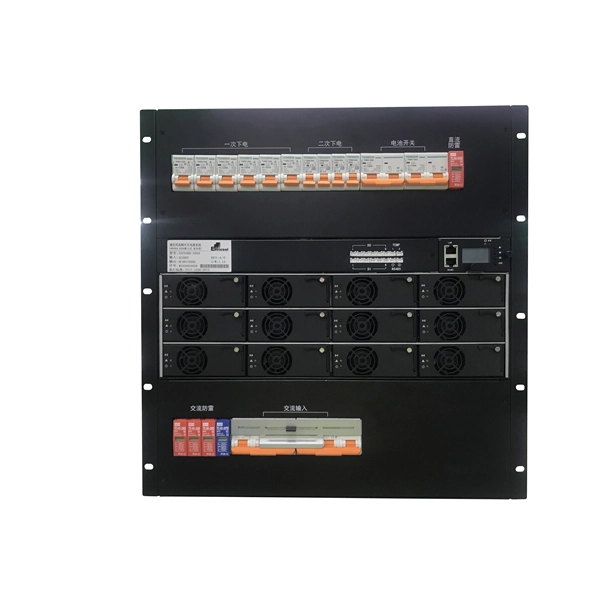 Factory
 A Free Guide to Data Center Racks
Learn how to choose data center racks, their technical features, and maintenance considerations for optimal performance and
 Factory
 Data Center Racks, Cabinets, and Cages: An In-Depth
Inside a data center, a labyrinth of servers and high-tech networking gear are arranged in specialized
 Factory
 Optimizing Your Data Center with a Rack Layout Diagram
Creating a rack layout diagram is a critical step in ensuring the efficiency and organization of a data center. By following best
 Factory
 What Is a Rack Layout? | Data Center Glossary | Sunbird DCIM
A rack layout is the organized arrangement of server racks and their contents within a data center. This layout is crucial for efficient
 Factory
 Online Rack Placement in Large-Scale Data Centers
This paper optimizes the configuration of large-scale data centers toward cost-effective, reliable and sustainable cloud supply chains.
 Factory
 Rack and Row Guidelines | IT Services | University of Arkansas
Row Standards All rows will be arranged with the hot aisle/cold aisle as determined by the data center manager. All rack and row
 Factory
 How to Rack a Server: Step-by-Step Guide & Best Practices
Learn how to rack a server with this detailed step-by-step guide. Includes setup tips, cable management, cooling, and
 Factory
 Maximizing Data Center Efficiency: Key Rack Alignments & Layouts
As demand for data storage and processing increases, optimizing rack alignments and layouts becomes essential. This
 Factory
 A Visual Guide to Rack Elevation Diagrams
It provides a clear overview of the physical layout of the rack, including the placement and positioning of servers, switches, storage
 Factory
 How to Setup a Server Rack: Tips nd Tricks {Step-by-Step Guide}
When installing a server rack, it''s best to follow the general guidelines. Improperly installed server racks increase the
 Factory
 Data Center Space Planning Best Practices: Standards, Layouts, and
Data center space planning goes far beyond counting square meters. It covers rack placement, aisle layout, cable
 Factory
 Data Center Design Overview: Cabinet Layout, Rack Design, & More
Learn the basics of data center design. We provide an overview of cabinet layouts, rack design, and answer the
 Factory
 Data center foundations: A comprehensive guide on how to choose
Data center foundations: A comprehensive guide on how to choose the right rack cabinet When choosing rack
 Factory
 A Guide to Server Rack Sizes for Data Centers
A Guide to Server Rack Sizes for Data Centers This guide deciphers the best server rack sizes for optimal data center
 Factory
 Best Practices for Data Center Area Sizing Per Rack Based on Power
This blog outlines best practices for data center area planning per rack, segmented by power density levels (5–12 kW, 12–20 kW,
 Factory
 Online Rack Placement in Large-Scale Data Centers: Online Sampling
The problem involves placing incoming racks of servers within a data center to maximize demand coverage given
 Factory
 Optimizing Data Center Layout and Cable Management
Learn how to optimize your data center layout and implement effective cable management strategies. Discover best